

Install XCIPTV Player on Firestick & Android TV
UKIPTV Plans Guide | Updated: May 21, 2025At UKIPTV Plans, we make streaming simple for UK viewers. This tutorial will help you install XCIPTV Player — a reliable IPTV app for Firestick, Fire TV, and Android TV. XCIPTV connects seamlessly with UK IPTV services via Xtream Codes API or M3U playlists. Since it’s not available in app stores, we’ll sideload it using the Downloader app.
How to Install XCIPTV
Here’s how to set up XCIPTV Player. If Downloader is already installed, skip to Step 7.
Step 1: Install Downloader App
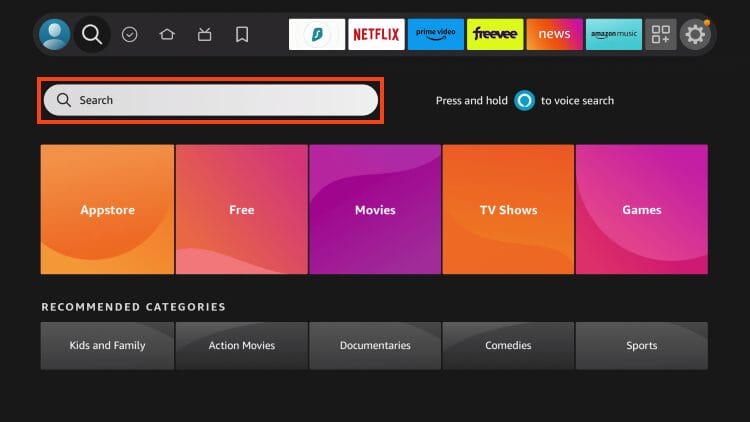
- From the home screen, click the Search icon.
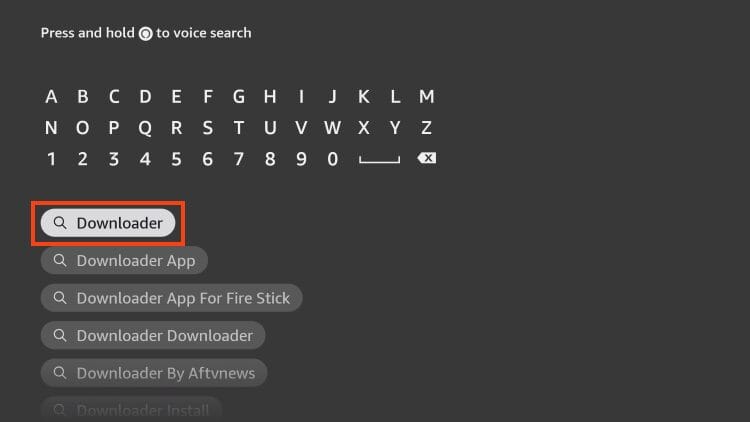
Credit: TROYPOINT - Type Downloader and select it.
Credit: TROYPOINT - Click Download or Get.
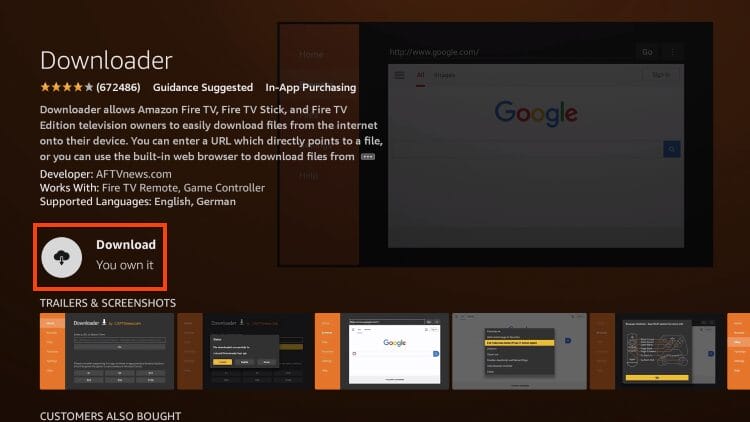
Credit: TROYPOINT - Wait for installation to complete.
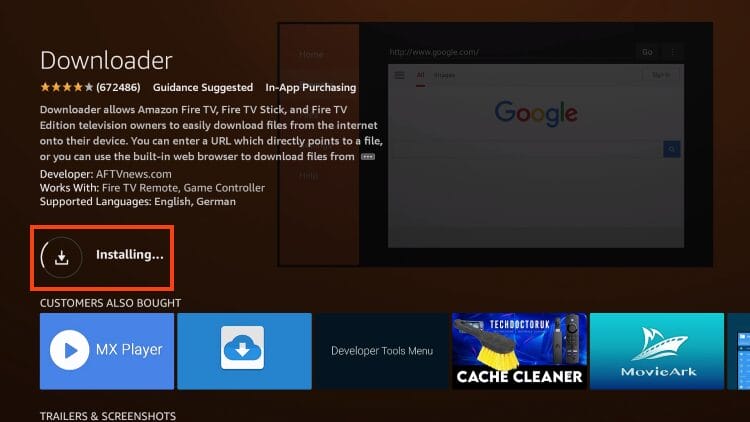
Credit: TROYPOINT
Step 2: Enable Unknown Sources
- Go to Settings > My Fire TV > Developer Options.
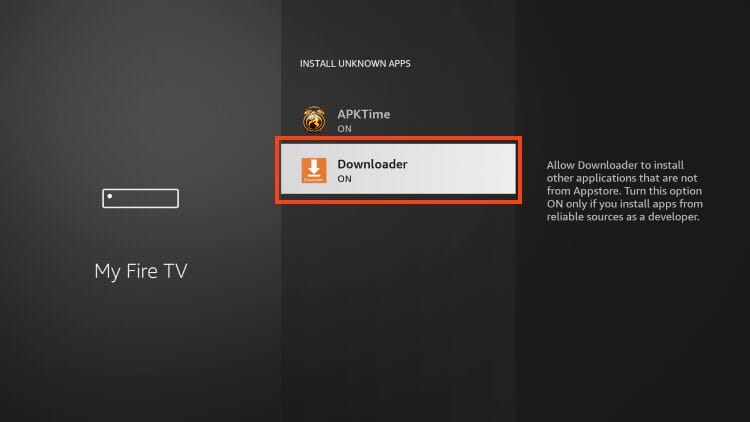
Credit: TROYPOINT - Turn on Apps from Unknown Sources for Downloader.
Credit: TROYPOINT
Step 3: Download and Install XCIPTV
- Open Downloader and enter code 250931 (UKIPTV Toolbox).
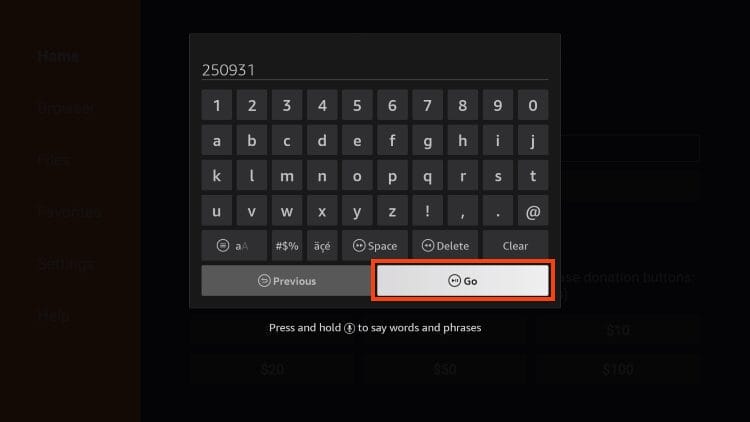
Credit: TROYPOINT - Click Go to load the UKIPTV Plans Toolbox.
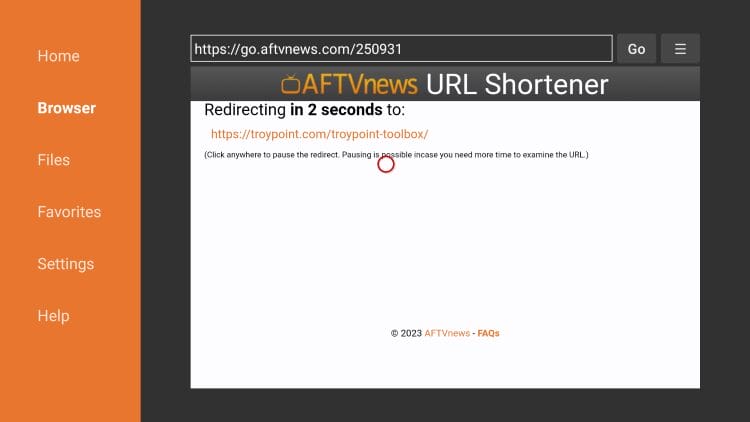
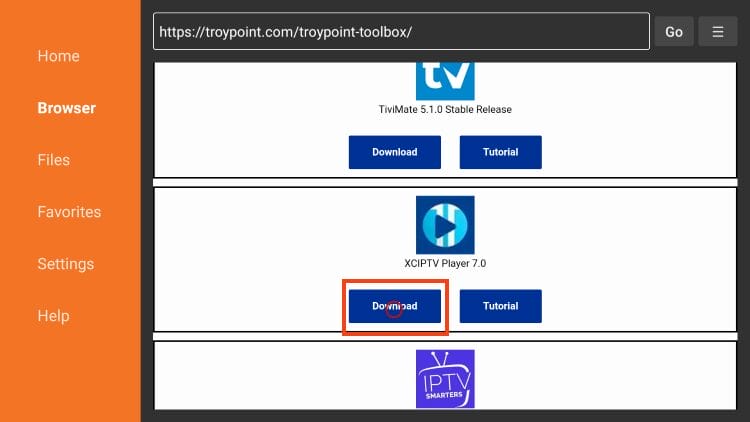
Credit: TROYPOINT - Select XCIPTV Player and click Download.
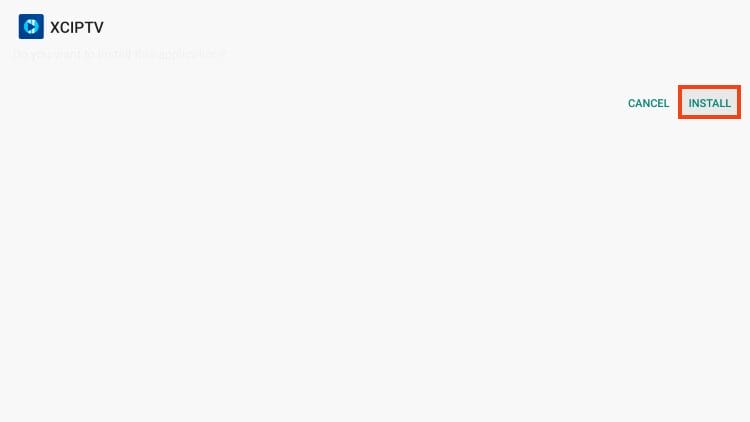
Credit: TROYPOINT - Choose Install.
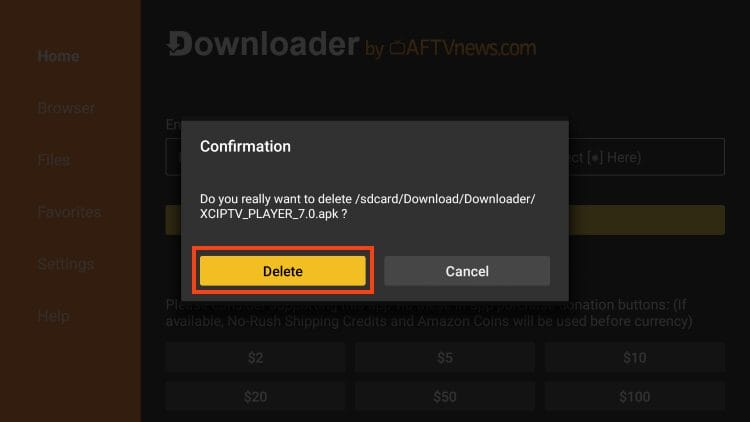
Credit: TROYPOINT - Click Done, then delete the APK file to save space.
Credit: TROYPOINT
Setting Up XCIPTV
Now link XCIPTV to your IPTV account:
- Launch XCIPTV and select Sign In.
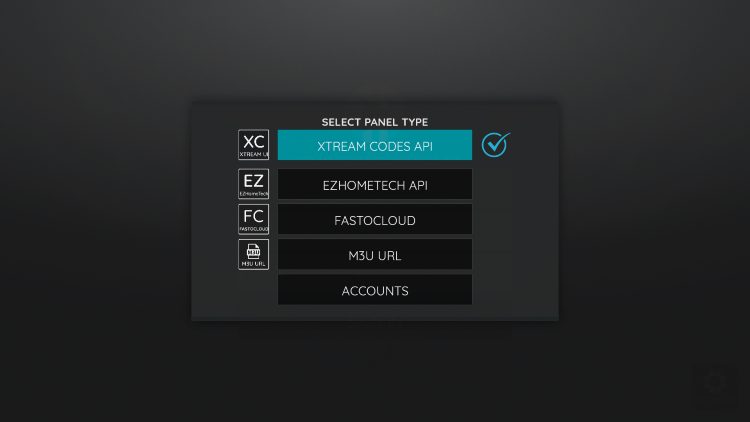
Credit: TROYPOINT - Enter your IPTV login (Xtream Codes or M3U).
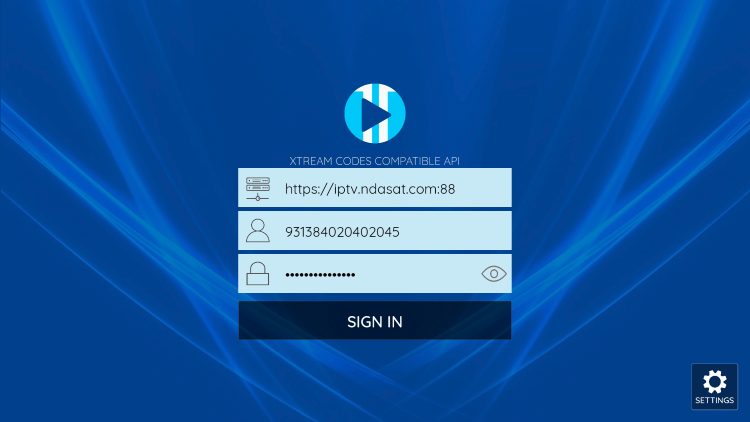
Credit: TROYPOINT - Grant required permissions.
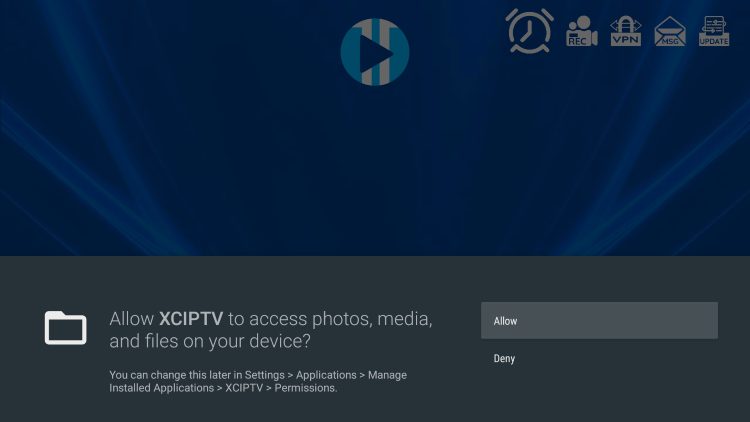
Credit: TROYPOINT - Wait 1–2 minutes for channels and VOD to load.
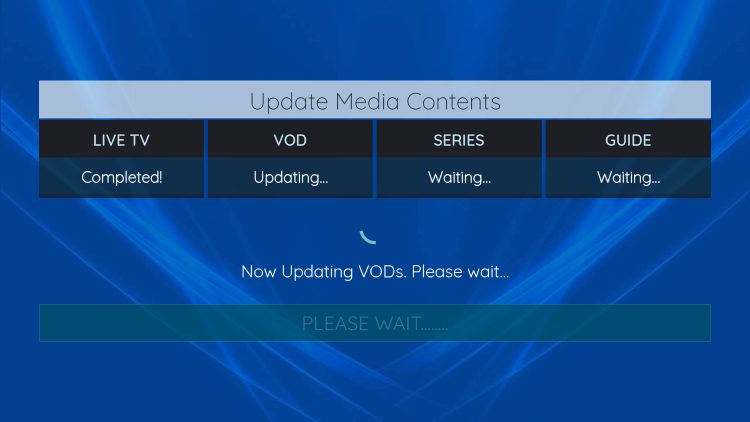
Credit: TROYPOINT - Start enjoying your UK IPTV content!
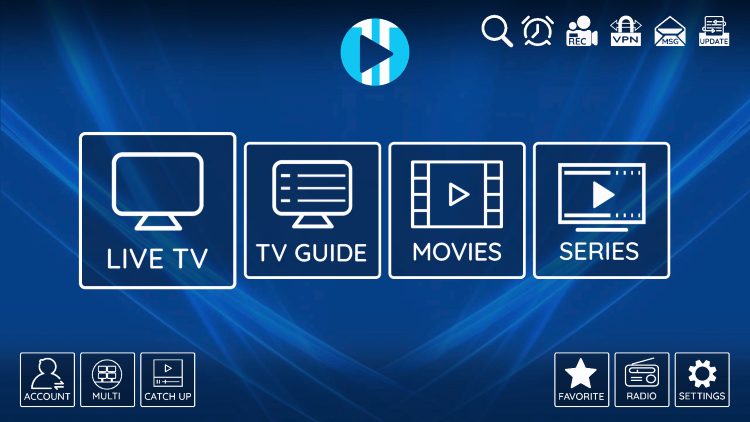
Credit: TROYPOINT
Why XCIPTV is Ideal for UKIPTV Plans
- Clean Interface: Great for new users and advanced viewers.
- EPG Support: Built-in electronic program guide.
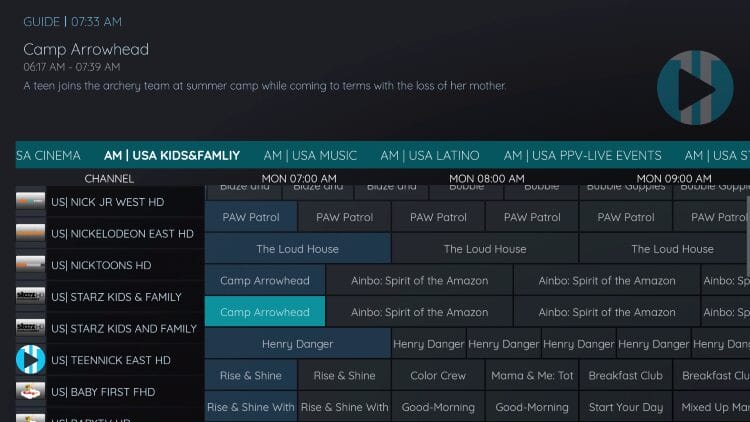
Credit: TROYPOINT - Device Compatibility: Works perfectly with Firestick & Android TV.
- Multiple Player Options: Includes VLC and Exo Player choices.
Conclusion
Installing XCIPTV with UKIPTV Plans gives you fast access to 35,000+ live channels and VOD. For more setup help and streaming tips, visit our full guide hub.