

How to Install IPTV Smarters on Roku (2025 Guide)
Step-by-Step: Install IPTV Smarters on Roku
This complete UKIPTV Plans guide shows you how to sideload IPTV Smarters onto your Roku using developer mode. This method is 100% working in 2025 and requires a PC or Mac, your Roku IP address, and the IPTV Smarters ZIP package.
🔹 Part 1: Enable Developer Mode on Roku
- Press on the remote: Home x3, Up x2, Right, Left, Right, Left, Right
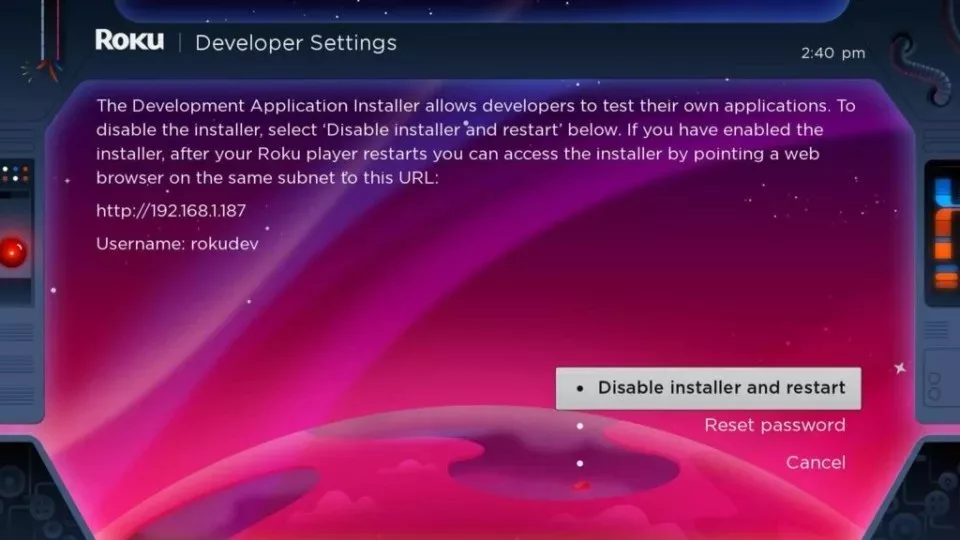
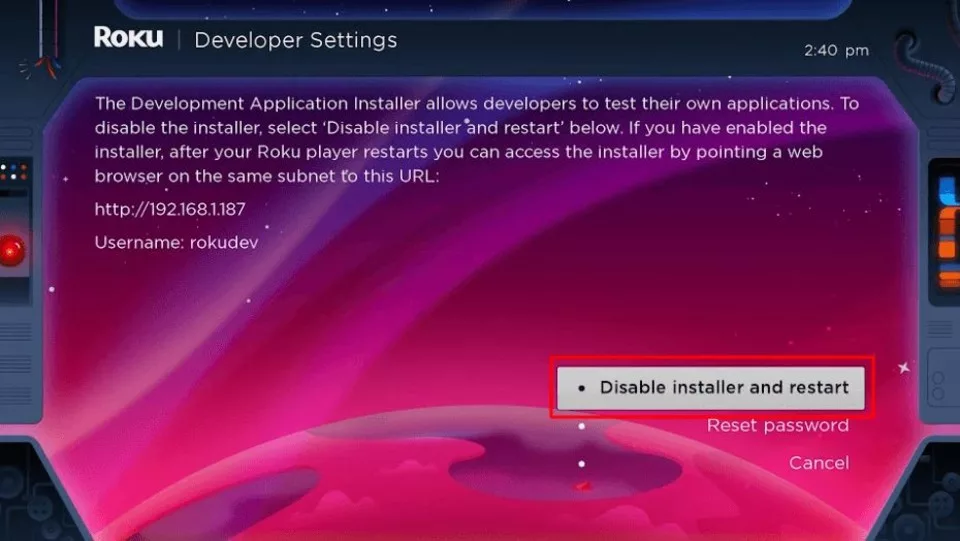
- Developer Options screen will appear. Note the IP Address.
- Click Enable installer and restart.
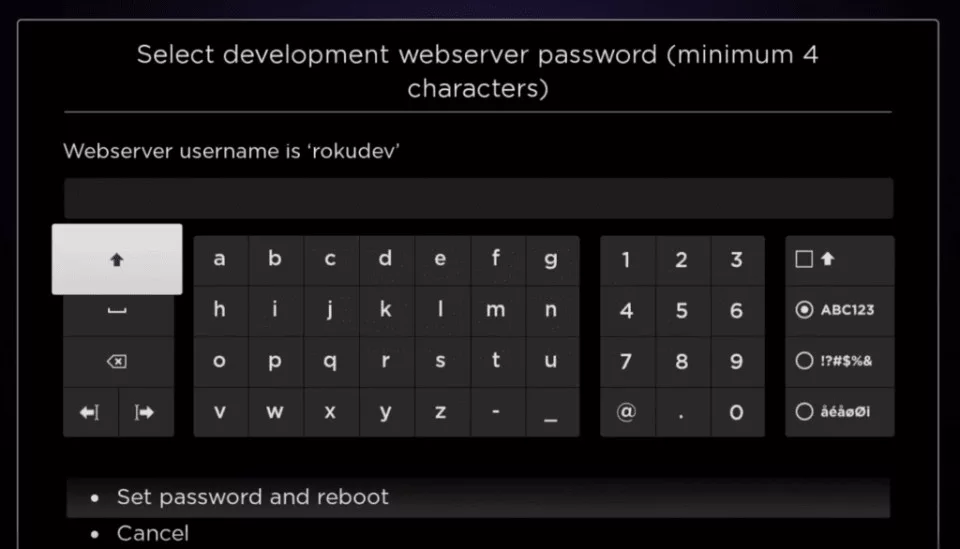
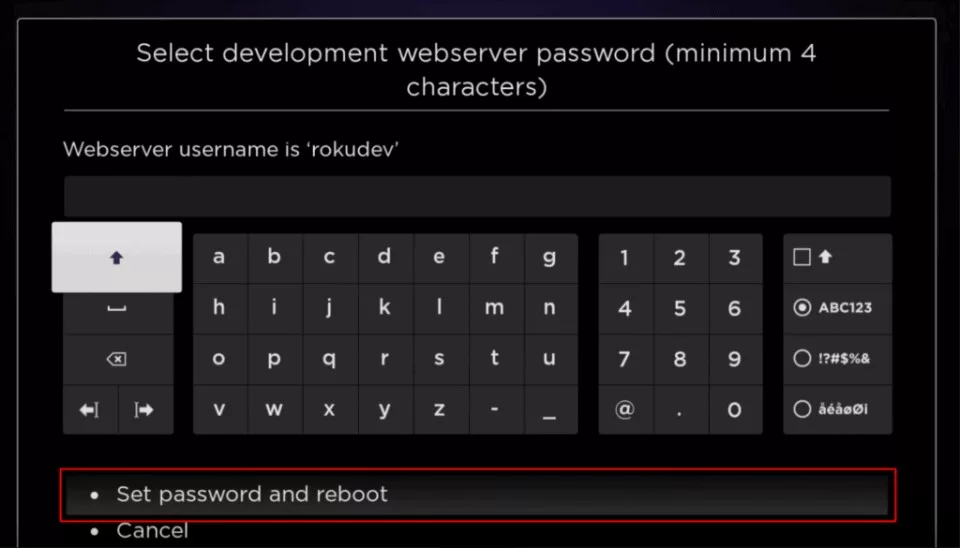
- Scroll through the license → Click I Agree → Create password → Set password and reboot
🔹 Part 2: Add IPTV Smarters Channel on Roku
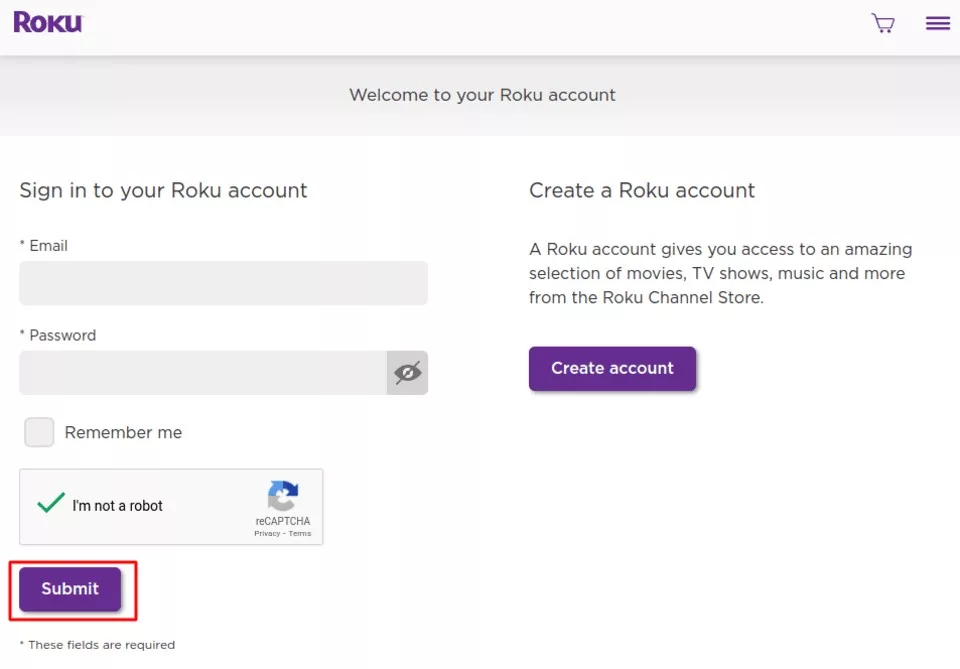
- Go to my.roku.com and sign in.
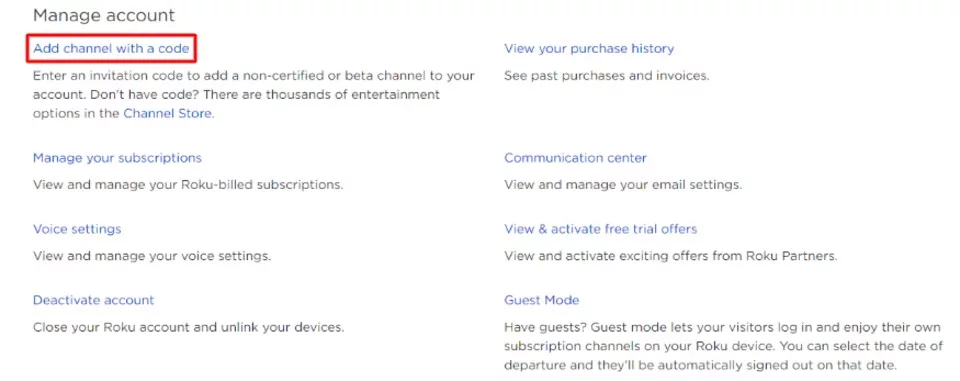
- Click Add channel with a code.
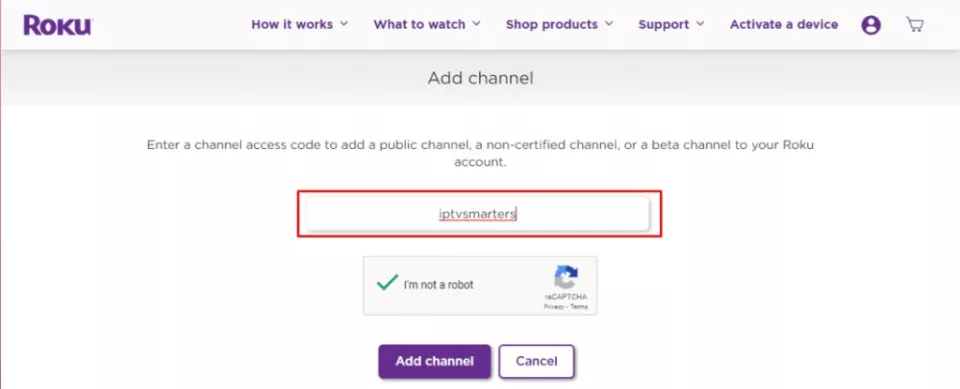
- Enter this code:
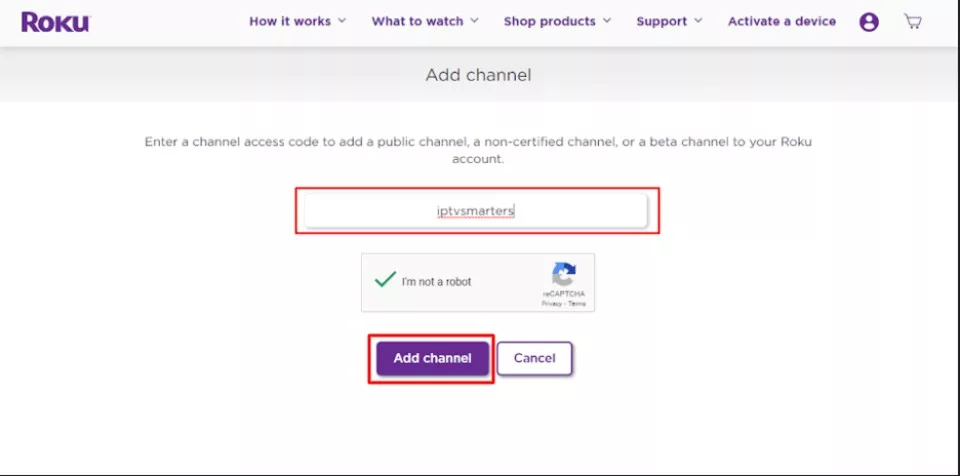
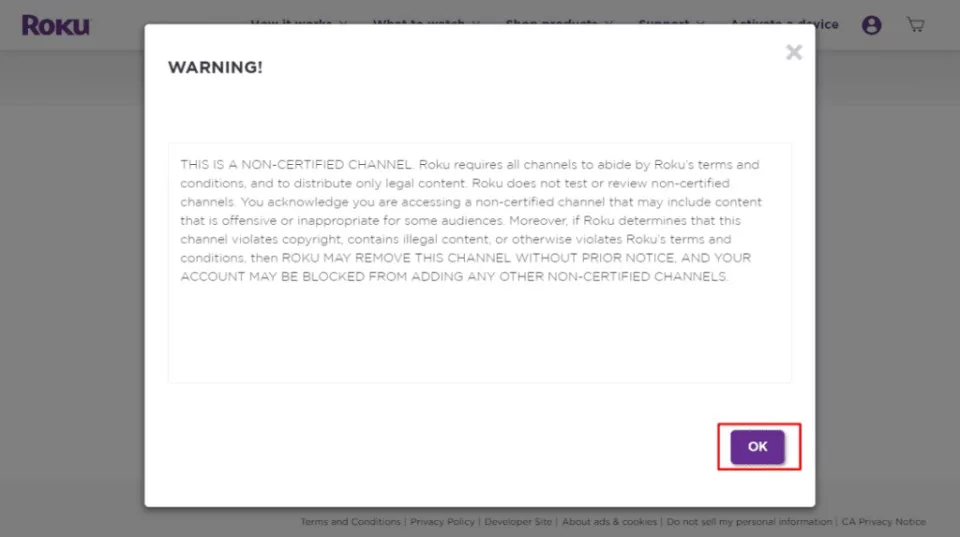
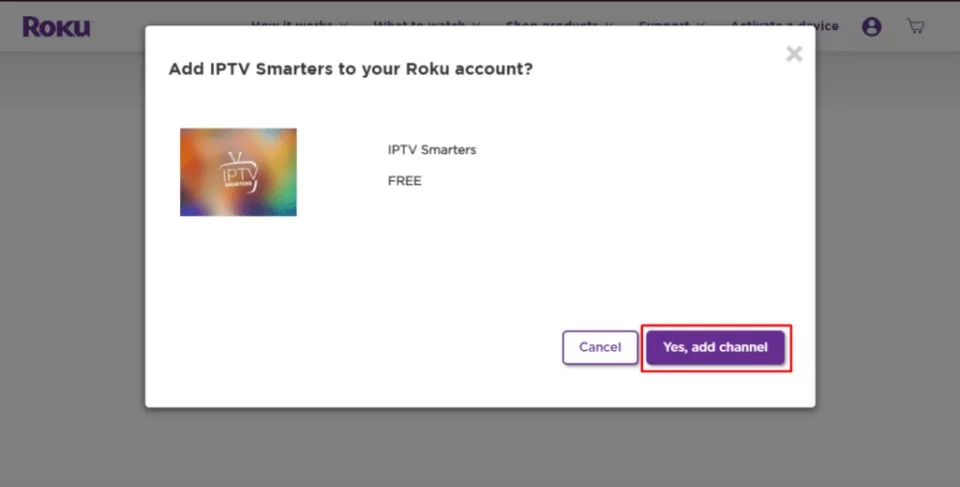
iptvsmartersand submit. - Click Add Channel and confirm the warning message.
🔹 Part 3: Download the IPTV Smarters Package
- Go to the official download page.
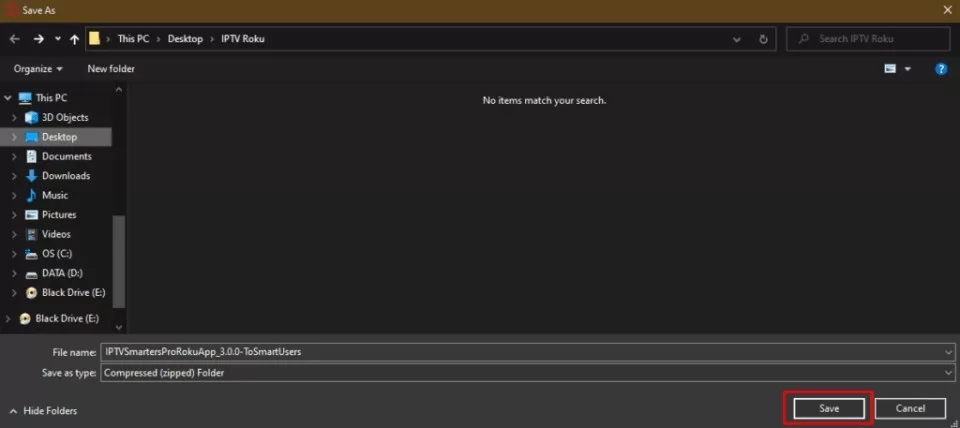
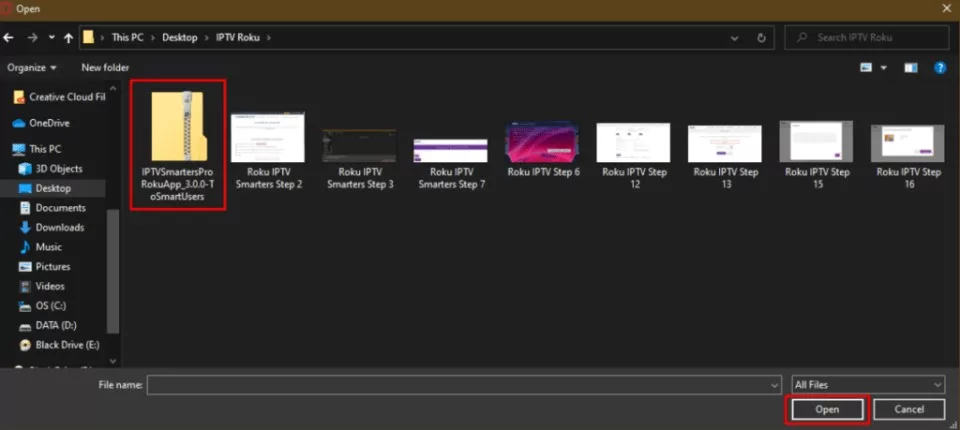
- Save the ZIP file to your desktop for easier access.
🔹 Part 4: Install IPTV Smarters on Roku
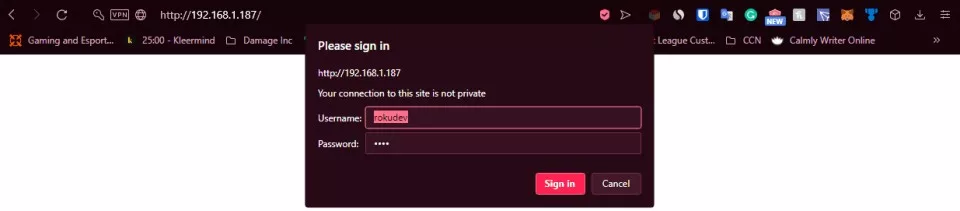
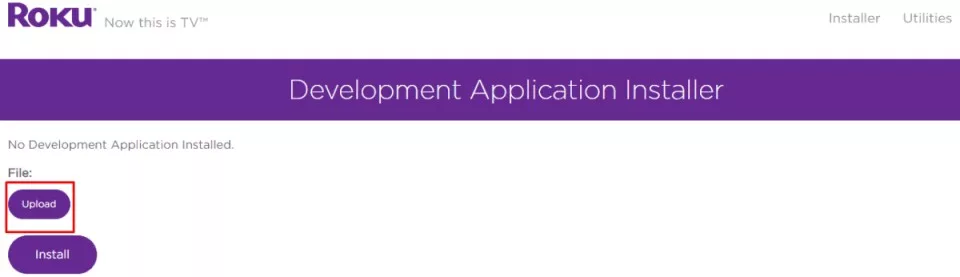
- Open your browser and type in your Roku IP address.
- Log in with Username:
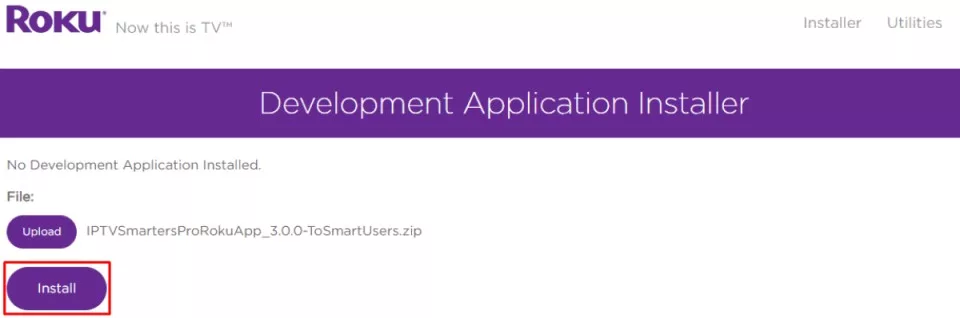
rokudevand the password you set earlier. - Click Upload, select the ZIP file, then click Install.
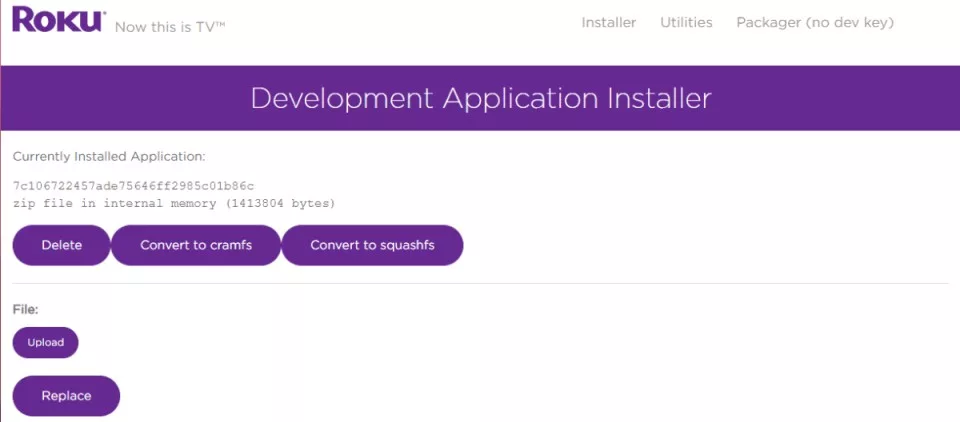
- When the installation is successful, you’ll see the confirmation screen.
🔹 Part 5: Launch and Login
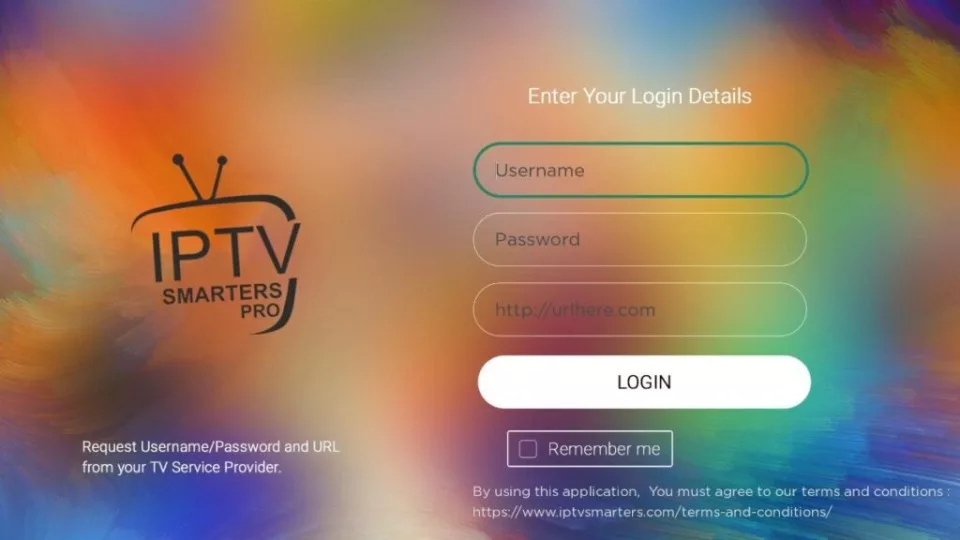
On your Roku TV, launch IPTV Smarters and log in using your Xtream Codes or M3U credentials from your UK IPTV provider.
📲 Alternative: Screen Mirroring Method
- Install IPTV Smarters on your phone (Android or iPhone).
- Connect phone and Roku to the same Wi-Fi.
- Use Cast or Screen Mirroring to stream content to Roku.
📝 Final Tips
No need to jailbreak or modify your Roku. This sideload method is safe and reversible. For best results, use IPTV services from UKIPTV Plans.
📺 See UK IPTV Channels
Browse the Full Channel List
Browse the Full Channel List